
Can Your Wide-Format Printer Stop a Breach?
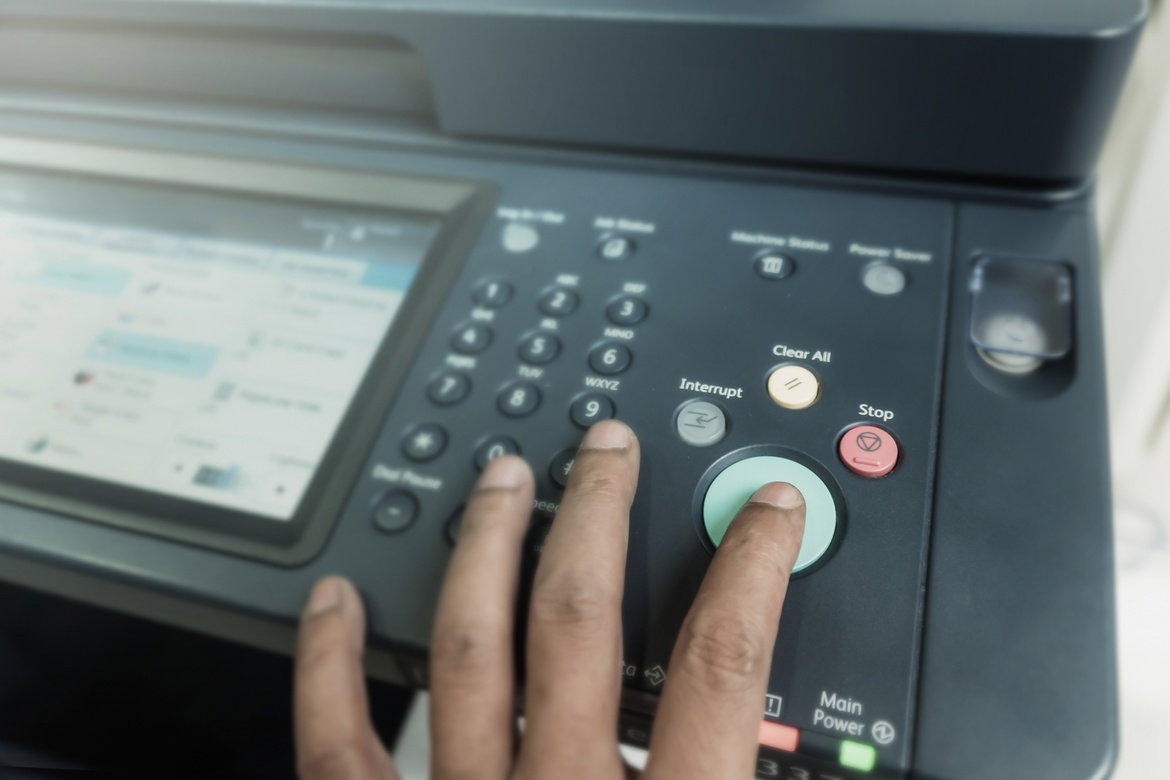
Every connected device in your office creates another opportunity for cybercriminals to break in. Strong printer security settings and user authentication help block threats before they spread across your network. Staying informed about these vulnerabilities gives your office a stronger layer of protection.
Why Printers Became Easy Cyber Targets
Modern wide-format printers function more like computers than traditional office machines. They contain internal storage drives and cloud integration. Many offices install them quickly and never revisit their security settings afterward.
Cybercriminals target overlooked office devices because they offer easier access than heavily protected systems. Once someone compromises a printer, they can move through a network quietly while collecting sensitive information in the background. Creative workplaces face greater exposure when connected print systems operate without strong security protections in place.
The Biggest Security Gaps Offices Miss
Most security issues start with convenience. Teams want quick printing and remote file transfers without extra login steps. Unfortunately, those shortcuts weaken protection across the entire office network.
The most common weak points include:
- Default administrator passwords
- Outdated firmware and software
- Open Wi-Fi printer access
- Unencrypted print jobs and scans
Each vulnerability gives attackers another way into your system. When multiple parties connect to the same device, those risks increase quickly.
Wide-Format Printer Security Starts With Access
Small adjustments create a huge difference when combined correctly. Restricting printer access through user authentication prevents random devices from connecting automatically. Encrypted print queues also protect sensitive files while they travel across your network.
Many companies overlook physical access too. Someone walking into an office lobby can plug into an unsecured printer port in seconds. Entertainment companies, design firms, and production teams constantly share large visual assets, so tighter device controls protect far more than spreadsheets and invoices.
Smart Offices Need Smarter Device Habits
Printer security works best when it becomes part of a broader cybersecurity mindset. Employees should treat office devices with the same caution they apply to laptops or cloud accounts. Password management, software updates, endpoint monitoring, and restricted permissions all support stronger network protection together.
Many companies now pay closer attention to overlooked connected devices because weak network entry points continue creating preventable security issues behind the scenes. Wider conversations around digital protection have shifted toward strengthening every layer of a connected workspace rather than focusing only on obvious threats.
Protect Your Setup
So can your wide-format printer stop a breach? Alone, it won’t eliminate every cybersecurity threat, but it can stop attackers from gaining an easy opening. Regular firmware updates, monitored access logs, and restricted user permissions dramatically reduce your exposure. Those protections also strengthen the rest of your connected office environment.
Most breaches happen because companies ignore small vulnerabilities for too long. A secure printer setup removes one of the weakest links from your network. When offices treat every connected device like part of their security system, they build a much stronger defense against modern cyber threats.